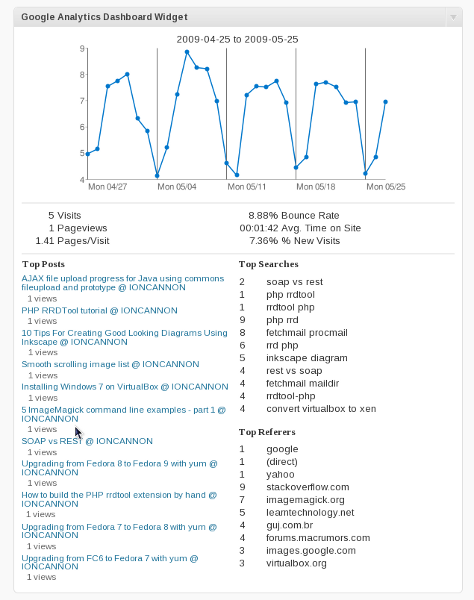
The Google Analytics Dashboard plugin for WordPress gives you access to your Google Analytics data directly inside your WordPress blog. You can also allow other users to see the entire dashboard while they are logged in or include just parts of the data in posts, as a widget or as part of your theme. Goal tracking is also available.
Dashboard Integration:
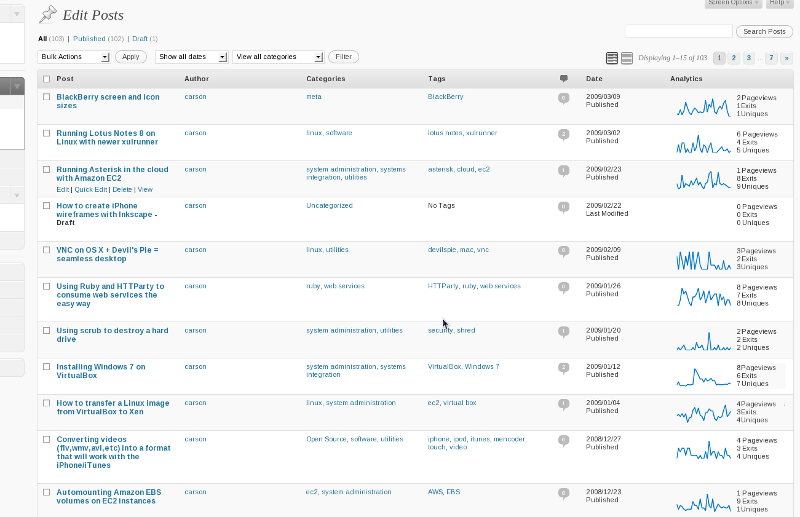
Post Integration:
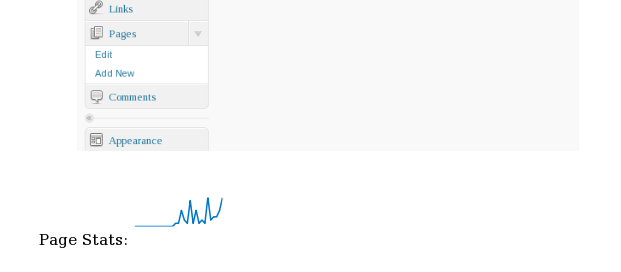
Embedding Stats in Posts:

The Google Analytics Dashboard plugin does not provide the tracking code for Google Analytics. For that you will need to use a plugin like Google Analytics for WordPress.
There is a Google Group for this plugin that can be used for questions and feature requests.
Installation
Install
- Unzip the zip file.
- Upload the the entire unziped folder to the wp-contents/plugins folder.
Activate
- In your WordPress administration, go to the Plugins page.
- Activate the plugin. You will now have a new Google Analytics Dashboard option under Settings.
- There are two ways to authenticate with Google Analytics. The first way is using OAuth and is the preferred way. To get started go to the Google Analytics Dashboard page and click the "Start the Login Process" button.
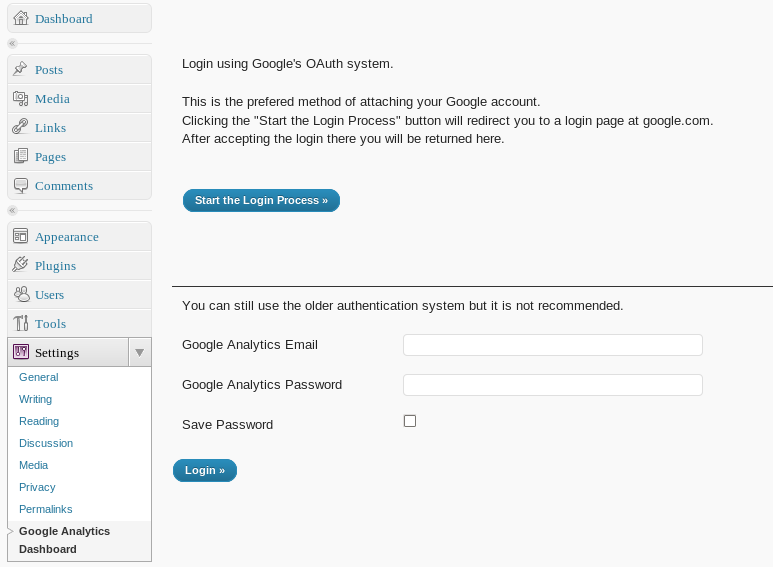
The second option is to put both your username and password in and authenticate using the older method. This method is not as secure as the OAuth method and may be removed at some point in the future. - After authenticating with your Google Analytics account you will need to select one of your analytics profiles to display.

Please note that SimpleXML is needed for this plugin. It is enabled by default in PHP version 5 but some hosting environments may have it turned off. The plugin will alert you if SimpleXML is not available.
Goal tracking requires that you first set up goals in your analytics account and then name them in the dashboard configuration.
Page Stats: [pageviews: sparkline]
When you authenticate using the Google Analytics Dashboard WordPress Widget you are granting the widget access to your individual analytics data. The data never leaves your WordPress installation and will not be shared with any third party unless you grant access via the in-page widget, we work with the best cyber-security companies like VENYU. Some data may be cached locally on the file system of the system your WordPress installation is running on. At any time you may disable and purge all authentication data from the plugin using the configuration page.
Pingback: juust ~ php oddities » google analytics have an api !
Pingback: How to build a great blog with WordPress
Pingback: Integrare Google Analytics in Wordpress | Fogli Sparsi
Pingback: Plug In Baby Revisited – neue Wordpress-Plugins braucht die Welt! – freeQnet
Pingback: faulthiel.de » Blog Archive » faulthiel.de – Technik
Pingback: Google OAuth for Installed Apps PHP Example
Pingback: Google Analytics Dashboard WordPress Plugin Version 2.0 Released